
Trade directly in your browser with powerful tools and no installation required.
OPEN WEB PLATFORM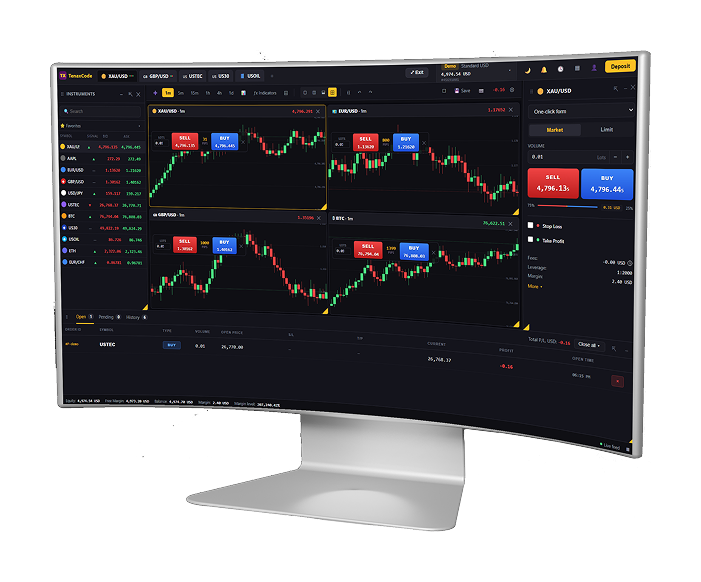
Login from any modern browser and access markets instantly with a clean interface.
OPEN LIVE ACCOUNT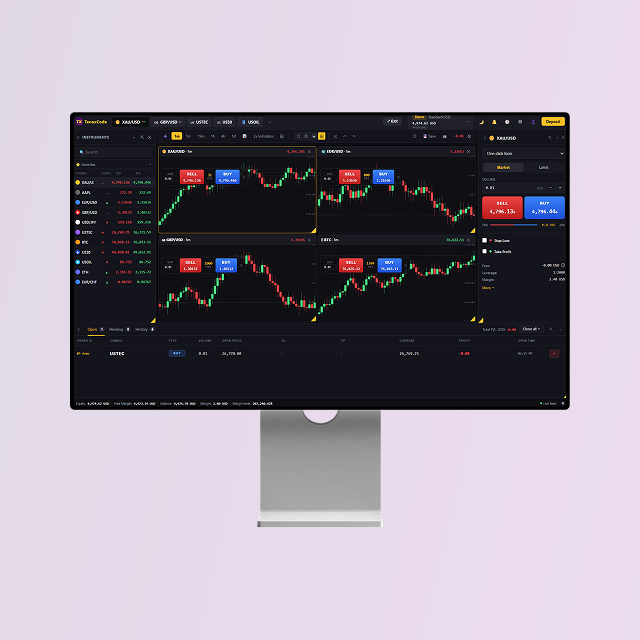
Analyze charts, manage orders, and monitor multiple markets from one dashboard.
VIEW ALL PLATFORMS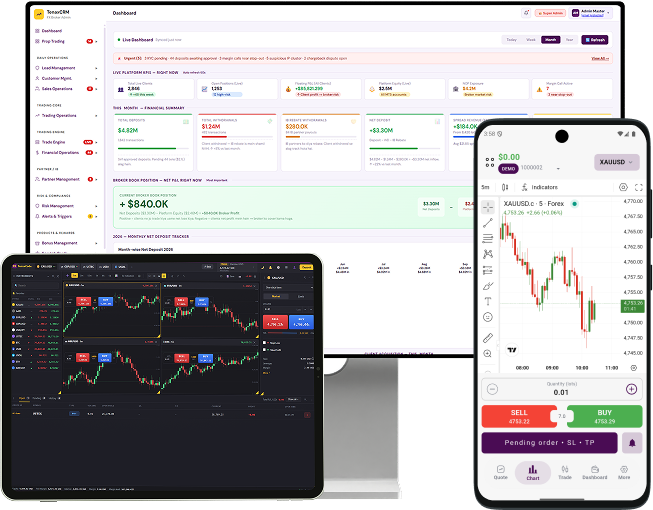
A browser-based platform with the tools you need for analysis, execution, and trade management—without installing any software.
Log in from desktop or laptop and trade with a dashboard layout designed for speed. Keep your workflow consistent across devices and stay ready for every market move.
Access TenaxCode from any modern browser with no installation required.
Watchlists, charts, positions, and orders in one clean, professional layout.
Timeframes, indicators, and chart trading for efficient entries and exits.
Quick order placement with clear pricing and responsive controls.
Secure login and session handling designed for web-based trading.
Use web on desktop and combine with mobile platforms for full coverage.
No downloads. Just login and trade with a powerful browser-based platform.
Launch TenaxCode Web in your browser and choose your server.
Use your account credentials from amirifx to connect instantly.
Build watchlists, open charts, and set your preferred layout.
Place trades, manage positions, and track performance in real time.
Professional browser trading with charts, watchlists, and order management.
No. TenaxCode Web works in your browser—login and start trading immediately.
TenaxCode Web supports modern browsers. For best results, use an up-to-date version.
Yes. TenaxCode Web provides charting tools, indicators, and multiple timeframes for analysis.
Yes. Open positions remain active on the server and continue until closed or SL/TP is triggered.